What Is Notta? Pricing and Usage of the AI Transcription Tool That Turns Talking Into Content Material
This article was translated from Japanese and was originally written for readers in Japan.
You are good at talking, but writing feels heavy. You can talk for hours in a meeting, yet a single post for X just will not come out. People of that type actually already have a large amount of material for their content. It is the words they have spoken. The tool that turns those into text is AI transcription, and if you are using it in Japan, Notta is the leading candidate. This article covers what you can do with Notta, the limits of the free version, and pricing, based on information as of June 2026.
What Is Notta? A Japan-Born AI Transcription Service, One of the Largest in the Country#
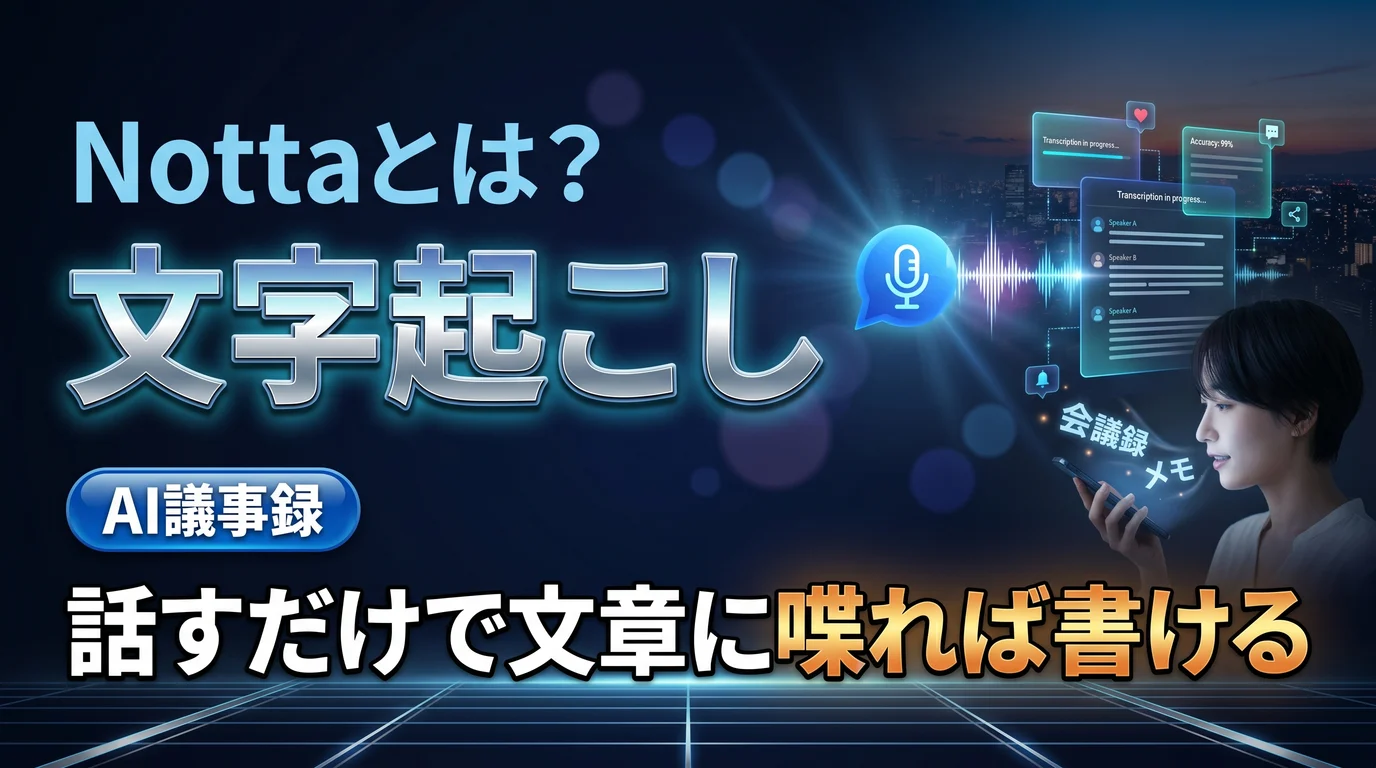
Notta is an AI transcription service run by Notta Inc., headquartered in Tokyo . It supports 58 languages and can both transcribe recorded audio and video files and transcribe in real time on the spot.
- Speaker identification: Automatically distinguishes who spoke. Useful for conversations and meetings
- AI summary: Automatically summarizes key points and decisions following a template
- Real-time translation: Lets you talk while showing subtitles in two languages
- Meeting bot: Automatically joins and records Zoom / Teams / Google Meet
It is available on the web, as a smartphone app, and as a Chrome extension, so a flow of recording on your phone when an idea strikes and tidying it up on your PC later comes naturally.
Pricing: "3 Minutes per Recording" Is the Free Version's Biggest Wall#
As of June 2026, pricing is in yen and is structured roughly as follows.
- Free (¥0): Up to 120 minutes per month. However, there is a limit of up to 3 minutes per recording , so in practice it is for trying it out
- Premium (¥1,980 billed monthly / ¥1,185 per month when billed annually): 1,800 minutes per month. The real choice for individual use
- Business (from ¥4,180 per person per month): Unlimited transcription plus video recording and team management
The free version's "3 minutes per recording" is almost never enough for recording a meeting or seminar. Your decision will be quick if you think of it this way: free if you only need to turn short voice memos into text, paid as a given if you use it for meetings and talks . Prices are sometimes revised, so check the official pricing page before subscribing.
Use It as a "Talk → Write" Conversion Machine#
Seeing Notta as merely a meeting-minutes tool is a waste for content creators. You can use it with the reverse idea that even if you are bad at writing, you can create material as long as you can talk .
- Voice memo → draft: Transcribe ideas you spoke aloud on a walk, turn them into an outline with AI summary, then shape them into a post
- Talks and seminars → note articles: The audio of a one-hour talk becomes material for several articles
- Meetings → progress reports: Turn decisions and insights that came up in meetings into dev-diary-style posts
Rather than setting aside "time to write," you simply record the time you are already spending talking , so the strength of this method is that it requires almost no additional time for creating content.
Things to Keep in Mind When Using It#
Assume that proper nouns and technical terms will be misrecognized, and look everything over at the end. Also, when recording a setting where other people take part, get consent beforehand . If the meeting bot is set to join automatically, a word of notice is all the more a matter of good manners. AI summaries are convenient but nuance gets lost, so it is also important to make a habit of checking the original text when you quote what someone said.
Summary#
Notta is a machine that converts "talking" into "writing" . There are three key points. Accept that the free version, at 3 minutes per recording, is for trying it out; for individual use, annual-billed Premium is the realistic answer; and the "time you are already spending talking," in meetings and voice memos, becomes material for your content. Even on days when you cannot write, there are surprisingly many days when you can talk.
Once you can turn what you have said into text, what remains is tailoring it for each social media platform. Toukoukun is a tool where you register your brand voice once, and AI writes tailored posts for X / Instagram / Threads / note. Try leaving the last step from material to post to the dashboard.