What Is Captions? How to Use the App That Makes Subtitles and Talking Videos with AI, Plus Pricing
This article was translated from Japanese and was originally written for readers in Japan.
You managed to record a video of yourself talking. But when you think about the work of adding subtitles, you can't summon the energy to open an editing app. Are you fed up every time with subtitling short videos? Typing subtitles by hand for tens of minutes for a single video is sure to wear down your will to keep going. This article covers Captions, an app that automatically adds subtitles to talking videos and can even create AI avatar and narration videos: what it can do, how far you can go for free, and how it helps with short-form video.
What Is Captions? A Video AI That Starts with Subtitling#
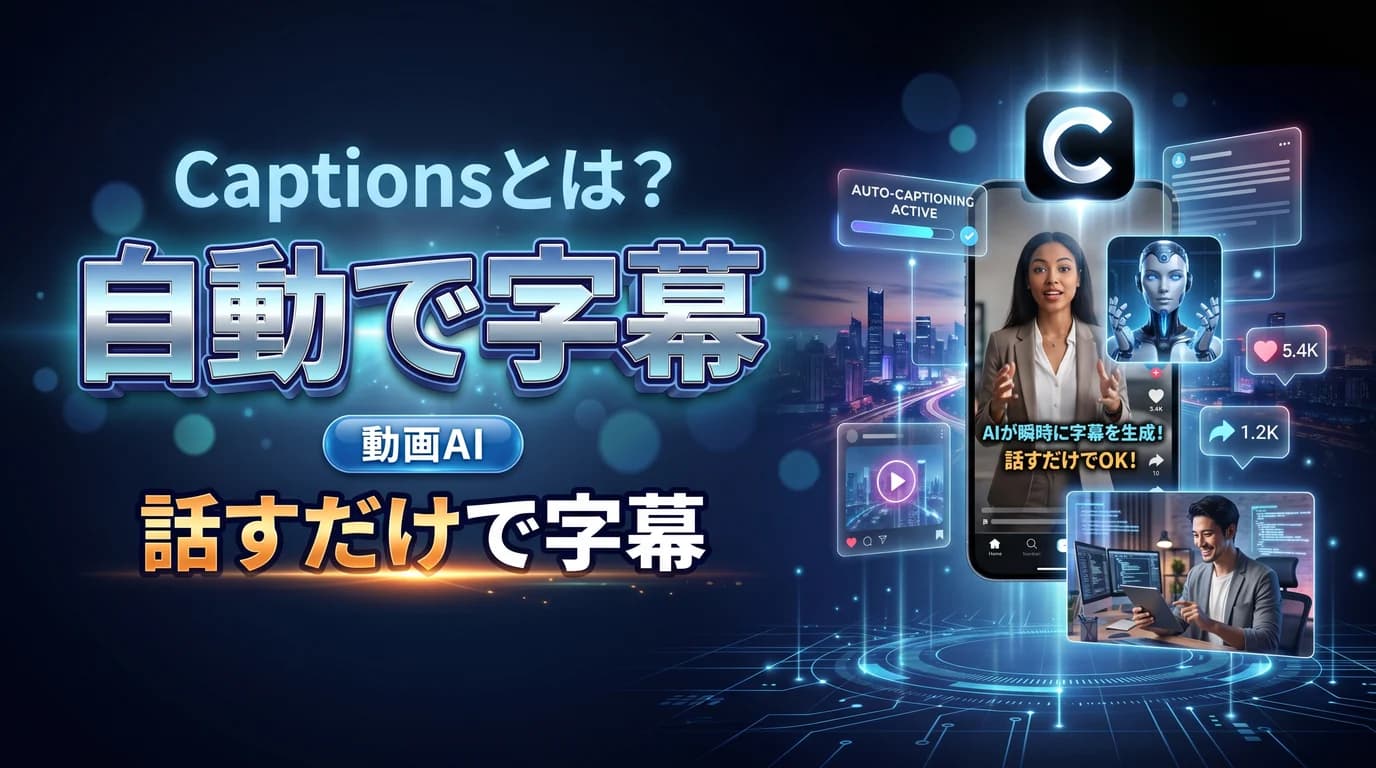
Captions is an AI app specialized in editing talking videos (videos of a person speaking). As the name suggests, its starting point is "captions": it automatically transcribes the spoken audio and lays it over the video as easy-to-read subtitles for you.
There's no need to type character by character by hand. Animated templates and adjustments for brand colors and fonts are all there too. On top of that, in recent years it has been adding more generative features, such as generating a talking AI avatar from a script or creating narration in someone else's voice. Starting from the entry-level worry that "subtitling is a slog," it's a tool that lightens video-making as a whole.
Main features#
- Automatic subtitles: Transcribe what was said and add it to the video as styled subtitles
- Subtitle templates: Choose from on-trend animations and fonts
- AI avatars and AI actors: Enter a script and generate a video of a person speaking
- AI voices and dubbing: Create narration and audio in other languages
How Much Does It Cost? You Can Try Subtitles Even for Free#
As of June 2026, Captions has a free plan and paid plans. Even on the free plan you can try creating and exporting projects and basic subtitles, but exported videos carry a watermark and generative AI features are limited.
Paid options come in tiers, from Pro (around $9.99 a month), which removes the watermark and adds more subtitle templates, up to credit-based plans such as Max and Scale that let you make full use of the generative AI features. The trick is to choose by use: a lower plan if subtitling is your focus, a higher one if you'll go as far as AI avatars. Prices and credits change easily, so check the official site for the latest. Note that the app is operated mainly in English.
How to Use It for Making Short-Form Video#
Captions works best for people who want videos of themselves talking to be the core of what they put out.
- Faster subtitling: Automatically add subtitles to the video you shot and cut editing time dramatically
- Covering sound-off viewing: On social media, where many people watch without sound, get the content across through subtitles
- Videos without showing your face: With AI avatars and narration, you can also make videos you don't appear in
That said, automatic subtitles do produce transcription errors, so we recommend a quick read-through before exporting. Proper nouns and numbers in particular need checking. If you don't aim for perfection and settle on "80% by AI, with only the final check by me," you can keep going without strain.
Summary#
Captions is an AI app that uses automatic subtitles as the way in and lightens the whole job of making talking videos. There are three key points: it can automatically generate subtitles from spoken audio, you can try subtitles even for free (with a watermark), and it can go as far as creating AI avatars and narration. If subtitling has tripped you up every time, try it on one of the videos you've been saving up.
Even once the video is done, writing separate descriptions and captions for each social platform is another job. One option is to leave just that writing to Toukoukun. Register your brand voice once, and AI writes tailored post text for X / Instagram / Threads / Facebook. If you like, take a look at the dashboard.