What Is Hedra? How to Use the AI That Makes Talking Videos from a Single Photo and Audio, Plus Pricing
This article was translated from Japanese and was originally written for readers in Japan.
You want to put yourself out there with video, but you are reluctant to show your face. Quite a few people feel that way. Hedra (pronounced "hed-ra") is an AI tool that can create a "talking video" from a single photo and audio, matched right down to the lip movements. This article covers what it can do, what it costs, how to use it, and how to put it to work, from a creator's point of view.
What is Hedra? An AI that makes photos "talk"#
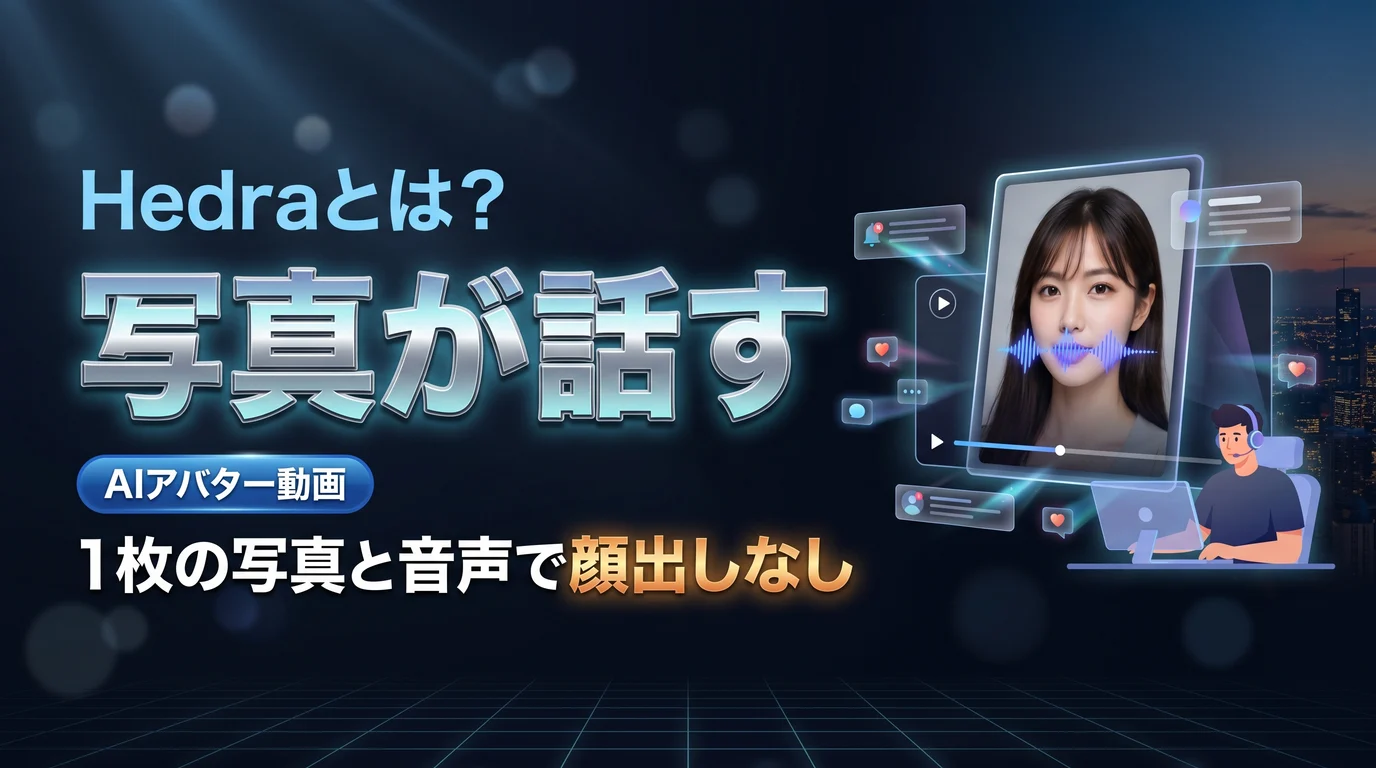
In a nutshell, it is an AI that, given a still image and audio, generates a video with facial expressions and lip sync (the synchronization of mouth movement and audio). It is developed by Hedra Labs in the US, and the latest model handles images, text, and audio in a single flow. If you prepare an avatar illustration or character image, you can make a "talking video" without showing your face.
These are the main features.
- Turn a photo + audio into video: Generates a video with natural expressions and lip sync from a single image and audio
- Audio from text, too: Even if you have no audio, you can convert text into read-aloud speech and use that
- All-in-one: Image generation, audio, and video can all be completed in a single studio
Pricing and Japanese support: how far can you go for free?#
Knowing how it works keeps you from getting lost. The model is that you can try the basic features on the free plan, but there are limits on generation time and storage. If you are going to run it in earnest, a paid plan expands your generation allowance. Prices fluctuate easily, so check the latest official information before paying.
As for Japanese, it also supports Japanese audio input and text-to-speech. However, the interface is basically in English, so you may be a little thrown at first. The naturalness of the lip sync can vary by language, so it is reassuring to check the results as you go.
Uses in content creation#
For those wondering, "Can I actually use avatar videos myself?" here are some concrete uses.
- Publishing without showing your face: Make an original character or icon the speaker and put out videos without revealing your real face
- Explainer and narration videos: Turn a script into audio and have an avatar deliver it as informational content
- Going multilingual: Make the same content with audio in another language and reach overseas audiences as well
- Putting a brand character to work: Animate a mascot or character for content with a distinct brand voice
One caveat: you should avoid making a photo of a real person "talk" without that person's permission. Uses that amount to impersonation or invite misunderstanding are a source of trouble. Use your own avatar or licensed material, and where it is necessary, state clearly that the content is AI-generated.
Summary#
Hedra is a tool that lets you start publishing video without showing your face, by letting you make talking videos from a single photo and audio. There are three key points: you can make lip-synced videos from a photo + audio, you can also prepare audio from text, and you can try it for free, though the UI is in English and rights need care. Ethical use is a given, but it is an option for people who "don't want to show their face but want to communicate through video." Start by making one short video within the free allowance.
Once the video is done, writing the post copy to go with it on each social media platform awaits. Toukoukun takes that on. Register what your work stands for once, and AI writes tailored posts for X / Instagram / Threads / Facebook. Feel free to take a look at the dashboard.