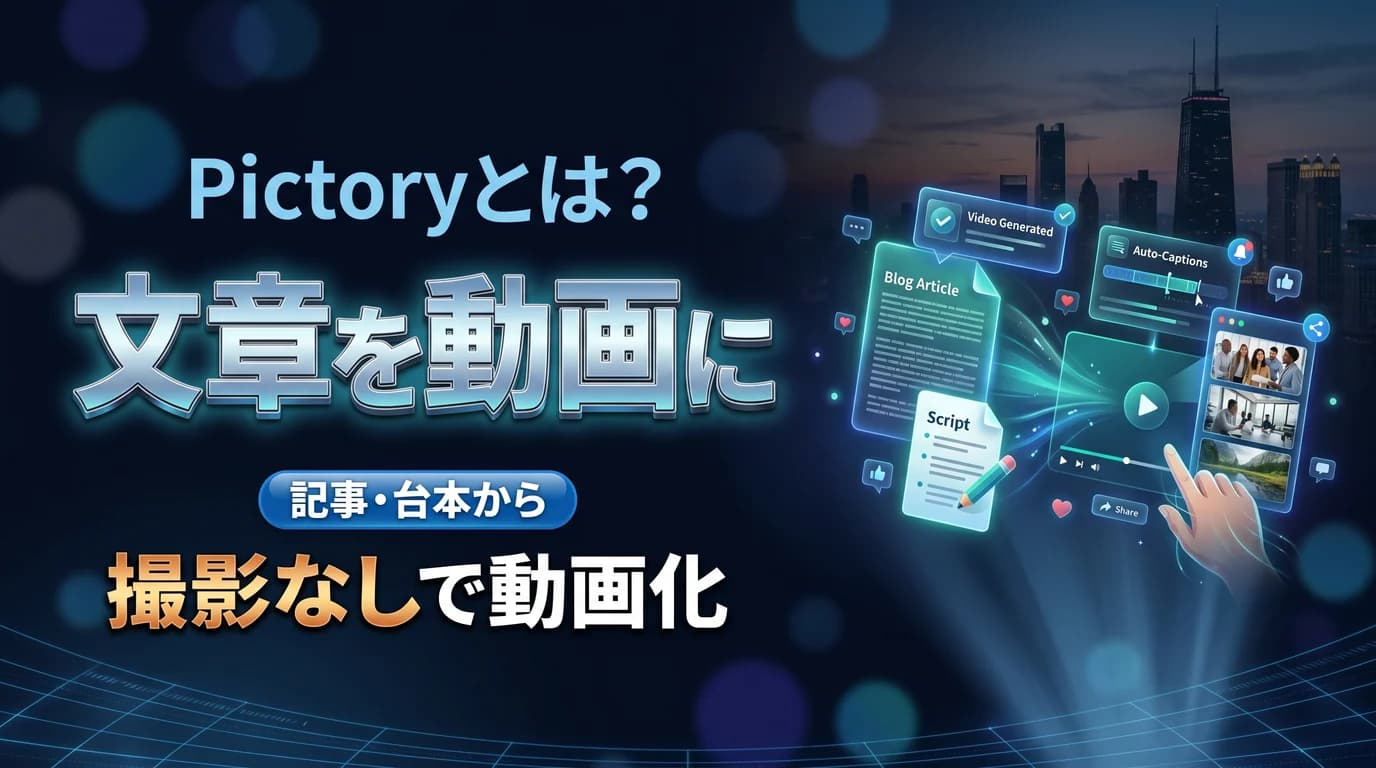
What Is Pictory? How to Use the AI That Automatically Generates Videos from Blog Posts and Scripts, Plus Pricing
This article was translated from Japanese and was originally written for readers in Japan.
You can write blog posts, but you don't have the time or the editing skills to turn them into video — have you ever felt that way? Pictory is a video generation tool in which, just by entering text, a URL, or a script, the AI automatically assembles everything from footage selection to narration and subtitles. This article covers what it can do, what it costs, how to use it, and how to apply it to your content.
What is Pictory: an AI tool that "turns writing into video"#
In a nutshell, it is an AI that, when you enter text, automatically matches fitting visuals and audio to it and makes a video. No filming or gathering of footage is needed. Paste the URL of a blog post and it extracts the key points and turns them into a video; enter a script and it finishes it as a short with narration and subtitles.
These are the main features.
- Video from articles and scripts: Enter text, a URL, or slides, and it splits them into scenes and generates a video automatically
- Automatic assignment from a vast library: The AI chooses from millions of video clips and images and more than 10,000 music tracks (all royalty-free)
- Subtitles, narration, and summaries: Covers automatic subtitles, AI narration, and even highlight summaries of long videos
Pricing and getting started: begin with the free trial#
To be frank, Pictory has no free plan for ongoing use and leans toward being a paid tool. As of June 2026 there is a 14-day free trial, after which the tiers are Starter (around $25 per month) / Professional (around $49 per month) / Teams, which differ in the video production time you get per month. Prices fluctuate, so check the official site before you pay.
Getting started is simple. Create an account, choose a new project on the dashboard, and just enter a script or a URL. The AI then assembles the scenes, so you swap out only the cuts that bother you and export. Leaving the initial footage to the AI is fine; fixing only the parts you don't like afterward is the efficient way to proceed.
Uses in publishing and content creation#
You might think, "Is this for bloggers?" but it works for publishing in general.
- Multi-use of articles: Turn existing blog posts into videos and extend them to YouTube and Reels
- Mass-producing scripted shorts: Prepare several short scripts and make short videos at a brisk pace
- Publishing without showing your face: With narration + subtitles + stock footage, you can put out videos without appearing on camera
- Strong for informational content: A good match for videos where "words" rather than visuals take the lead, such as explainers and how-to content
One caveat: we recommend that you check the results of Japanese narration and subtitles. Lightly adjusting the intonation of the read-aloud voice and where terms are split at the end makes it sound natural.
Summary#
Pictory is a tool that lets you start publishing video with no filming and no editing skills by turning writing into video just by entering it. There are three takeaways: it automatically creates video from articles and scripts, the AI picks both the footage and the background music for you, and although there is a free trial, it is basically paid. Japanese needs checking, but it is well suited as a gateway for "people who can write" to step into video as well. Start by trying it with one article you already have.
Even when you turn an article into a video, you still have to prepare the post copy for each social network separately. That is the part Toukoukun takes on. Register what your work stands for once, and the AI writes tailored posts for X / Instagram / Threads / Facebook. Feel free to take a look at the dashboard.