What Is RICHKA CLOUD STUDIO? How to Use the AI Video Creative Tool, and What It Costs
This article was translated from Japanese and was originally written for readers in Japan.
You want to make videos for social media, but half a day melts away while you wrestle with editing software. Add captions, add subtitles, export... and before you know it, the posting you actually wanted to do has been pushed back. Has that happened to you? RICHKA CLOUD STUDIO is a Japanese-made creative tool that lets you efficiently create videos and still images with templates and AI. This article lays out what it can do, what it costs, and who it does and doesn't suit.
What is RICHKA CLOUD STUDIO? A results-driven AI video production tool#
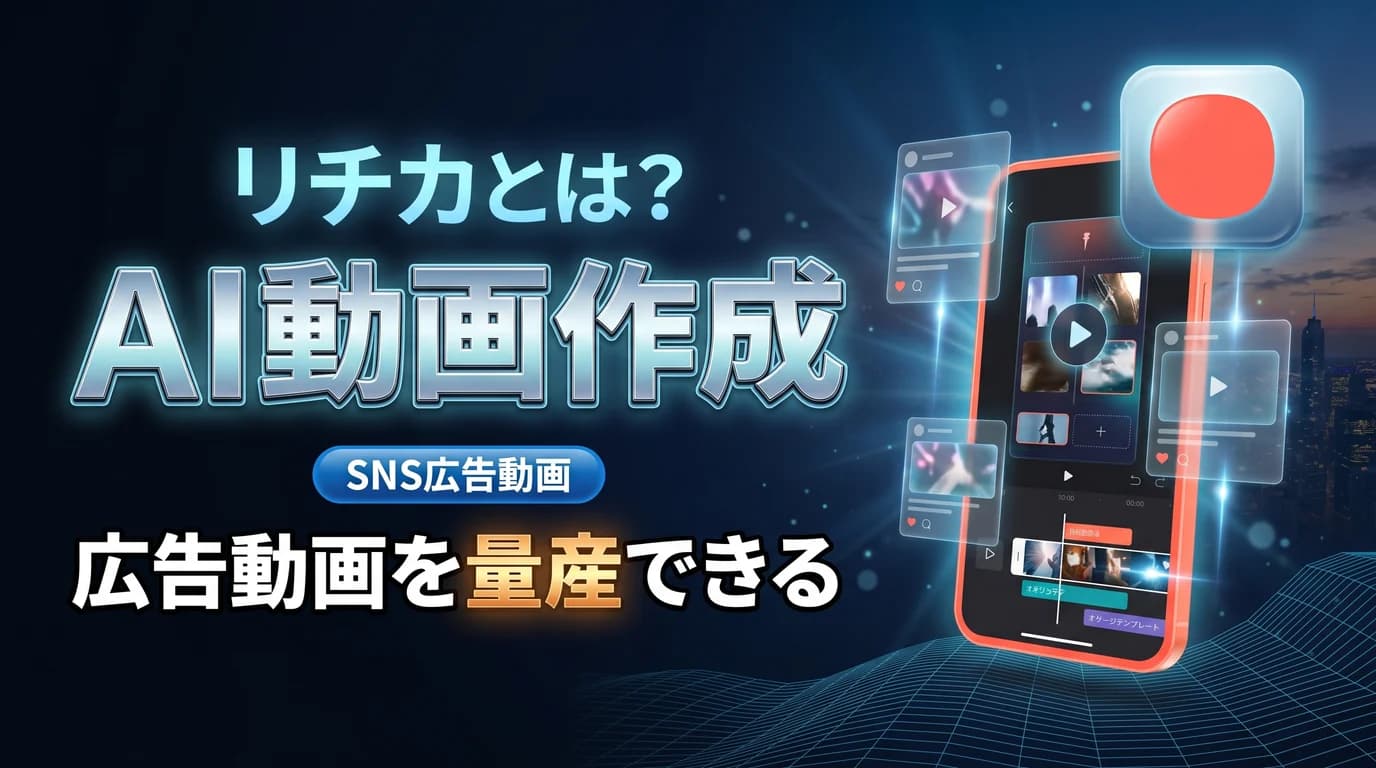
In a nutshell, it is a tool that lets you mass-produce videos, GIFs, and images with templates and AI, based on marketing performance data. It is run by RICHKA Inc., a Japanese company. Its hallmark is that the know-how cultivated in its ad agency business has been built into the system.
These are the main features.
- More than 1,400 formats: Create videos, GIFs, and images with templates designed from the goal of delivering results
- AI assist: AI trimming, AI narration, automatic subtitles, and more greatly reduce editing effort
- Bulk CSV submission: Swap out the text and generate multiple variations all at once
- Multiple PDCA cycles: Keep improving your creatives based on performance data after delivery
Basic edits such as changing fonts, colors, and background music are also completed on screen, so you can get something into shape without mastering dedicated software.
How pricing works: basically inquiry-based#
To be honest, pricing is not a published price but an inquiry-and-quote model that depends on the plan and the number of user IDs. One of its hallmarks is a generous support structure with a dedicated consultant, and you proceed in consultation with them when adopting it. The actual cost depends on your use and scale, so the realistic way in is to start by requesting materials and consulting (this article reflects June 2026).
How to use it for your content#
In content that uses video, it helps in situations like these.
- Mass-producing social media ad videos: Use formats to quickly line up videos for each platform
- Rolling out variations: Use bulk CSV submission to create videos with different appeals all at once
- Compressing editing effort: Cut manual editing time with automatic subtitles and AI trimming
- The improvement cycle: Increase the patterns that hit while watching the results
Who it suits and who it doesn't#
Let me be honest about fit. For teams and businesses that want to run video creatives on "volume and speed", it is a strong ally. Especially when you want to test multiple patterns in ad operations, it can remove the production bottleneck.
On the other hand, for an individual who just wants to casually make a single video alone, the supported, inquiry-based design is a bit heavy. For people who want to craft elaborate visual expression from scratch, the template-centered approach may not fit either. Whether it fits depends on "whether you want to mass-produce videos with a system or craft a single one with care."
Summary#
RICHKA CLOUD STUDIO is a Japanese-made creative tool that lets you mass-produce videos and still images with templates and AI, starting from performance data. There are three key points: you can create quickly with more than 1,400 formats, AI assist reduces editing effort, and it is designed for companies and teams, with support included. If video production has become a bottleneck for your team, start considering it with a consultation.
Even once the video is done, writing its announcement text for each of four social platforms remains as a separate task, doesn't it? Toukoukun is a tool where you register what your product stands for once, and AI writes post text tailored to each social platform. When you want to lighten the "writing" part of your posting, take a look at the dashboard.