What Is Suno? How to Use the AI Music Generator, Pricing, and Copyright Caveats
This article was translated from Japanese and was originally written for readers in Japan.
All you want is some background music for a short video, yet you end up trawling free music sites endlessly and settling for a generic track. Sick of losing time that way? Suno is an AI music tool that, from nothing more than a prompt, creates a song complete with lyrics and vocals in about a minute. This article gives an honest rundown of what it can do, how its pricing and Japanese-language support stack up, and the easily overlooked caveats around copyright.
What Is Suno? An AI That Makes a Song with Vocals from a Prompt in One Minute#
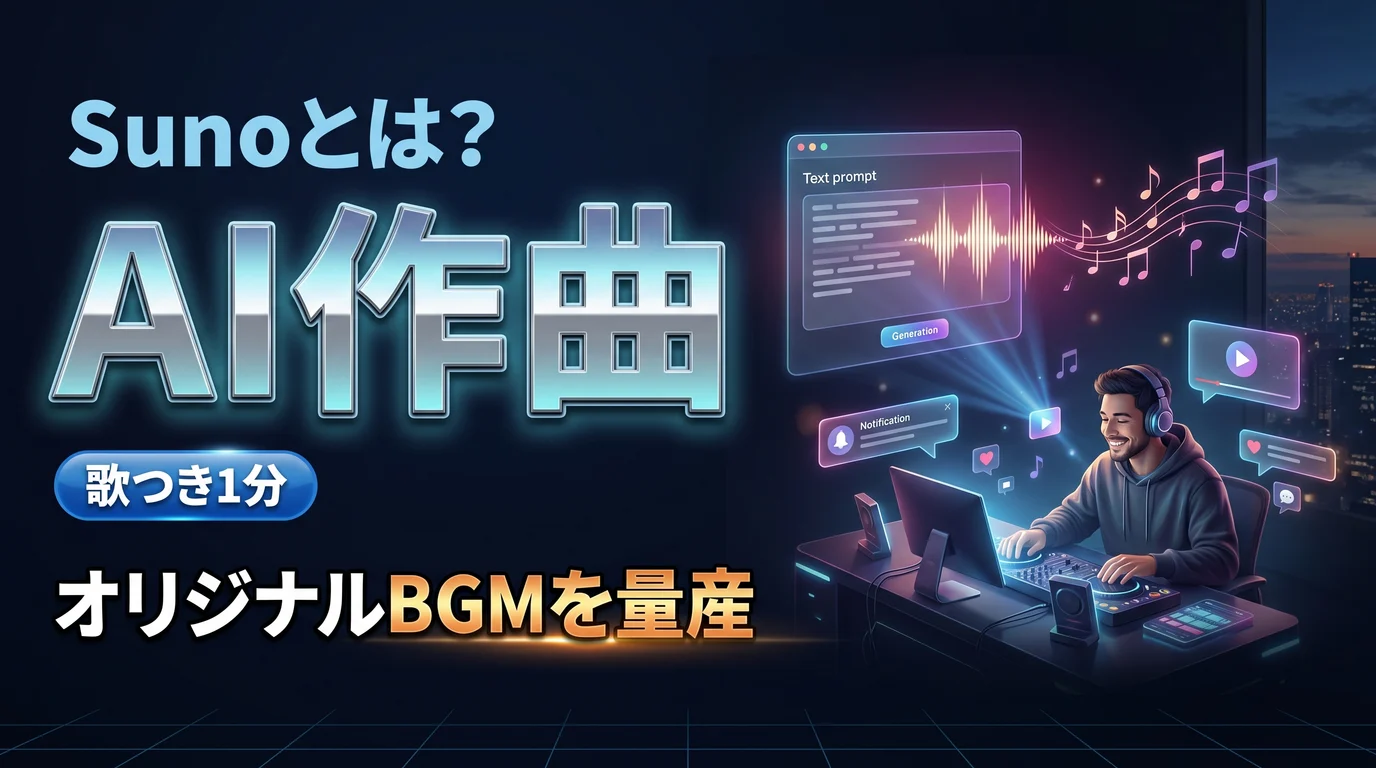
In a nutshell, it is an AI that can generate a finished song with vocals and accompaniment from text instructions or lyrics you wrote yourself. Its hallmark is a very wide range of genres, from pop to rock, lo-fi, and anime-song style.
Here are the main features.
- Text-to-song generation: A one-line instruction or specified lyrics produces a finished song with vocals
- Stem separation: On paid plans, you can export vocals and accompaniment separately
- Audio upload: Reference existing audio and put it to work in your songwriting
In the latest models, the naturalness of the vocals (breaths and vibrato) has improved as well.
Pricing and Japanese Support: How Far Can You Get for Free?#
Even on the free plan you can try a few songs per day, but be aware that free generations cannot be used commercially. If you're using it in videos or content, a paid plan (from roughly $8 a month, commercial use allowed) is a given. Credits don't roll over and prices change often, so check the official site (this article reflects June 2026).
It also supports Japanese lyrics and vocals. The trick is that kanji readings can vary, so enter lyrics in hiragana or romaji (Latin letters). That reduces mispronunciations. Accuracy can still drop with complex words and phrases.
Ways to Use It for Content and Social Media#
Here are concrete ways creators can put it to use.
- Background music for short videos: Instantly create original audio for Reels, TikTok, and YouTube Shorts
- Original jingles: For a channel or product theme song or opening
- Background music for blogs and podcasts: Use commercially licensed tracks (paid plan) as material for distribution
- Turning the creative process into content: Prototype song ideas and share them with your followers
A Caveat: Copyright Still Has Gray Areas#
Let me be straightforward here. As of 2026, the copyright situation around Suno is still not settled. While settlements and partnerships with major labels are progressing, some disputes are still ongoing. Even on a "commercial use allowed" plan, the legal risk related to training data has not completely gone away.
There are also cases where, under the terms of service, the treatment of ownership of the songs you generate is ambiguous. For full-scale professional work for clients, or uses that involve asserting rights in distribution or music videos, the safe approach is to check the latest terms beforehand and consult a professional if necessary. Think of casual personal use and commercial production use as separate things. If clean rights are your top priority, considering another service that is designed with that in mind is also an option.
To add a practical note, Suno is least stressful when you treat it strictly as a tool for "making material". It isn't suited to specifying chord progressions and arrangements in detail to craft your one ideal song, but for mass-producing "just right" background music for short videos and jingles, it is exceptionally fast. Rather than expecting a finished work in one shot, an approach of making a lot and picking out the good ones suits it best. Because it's so easy to run, it also picks up the tempo of your posting.
Tips for Getting Closer to the Song You Have in Mind#
It's not often that your ideal song comes out in one shot. A little ingenuity in how you give instructions gets you much closer to what you imagined.
- Be specific about genre and mood: Rather than "bright pop," break it into separate elements, such as "summery, refreshing city pop, female vocals, fast tempo," and you'll land closer to your target
- Write lyrics in hiragana or romaji: Kanji readings can vary, so writing in hiragana or romaji exactly as you want it pronounced prevents odd misreadings
- Run it several times and choose: The same instruction yields a different song every time. If you don't like it, regenerate; assuming from the start that you'll pick one good song makes it less stressful
And the important thing is to decide on the use up front. For short-video background music, something a bit rough is perfectly fine, but if it will be front and center in distribution or commercial use, you need to handle it carefully, including checking the rights side. Separating "songs to try casually" from "songs to use for real" lets you enjoy Suno's ease while avoiding the risks. Start by making a few short background tracks on the free tier and getting a feel for what kind of instruction returns what kind of song.
Summary#
Suno is an AI music tool that makes a song with vocals from a prompt in one minute. There are three key points: the speed at which you can make a finished song without any musical knowledge, the breadth of genres, and the fact that copyright and commercial use still have gray areas that need checking. It is strong for creating material and ideas, but be careful with rights for production use. Start for free, with background music for a short video.
Even once your background music is ready, writing separate announcement copy for that video or content for four social platforms is a different job, isn't it? Toukoukun is a tool where you register your brand voice once and AI writes post copy tailored to each platform. When you want to lighten the "writing" part of your posting, take a look at the dashboard.