Generative AI Features Keep Arriving on TikTok: How to Approach the Era of Making Video with “AI Imagine”
This article was translated from Japanese and was originally written for readers in Japan.
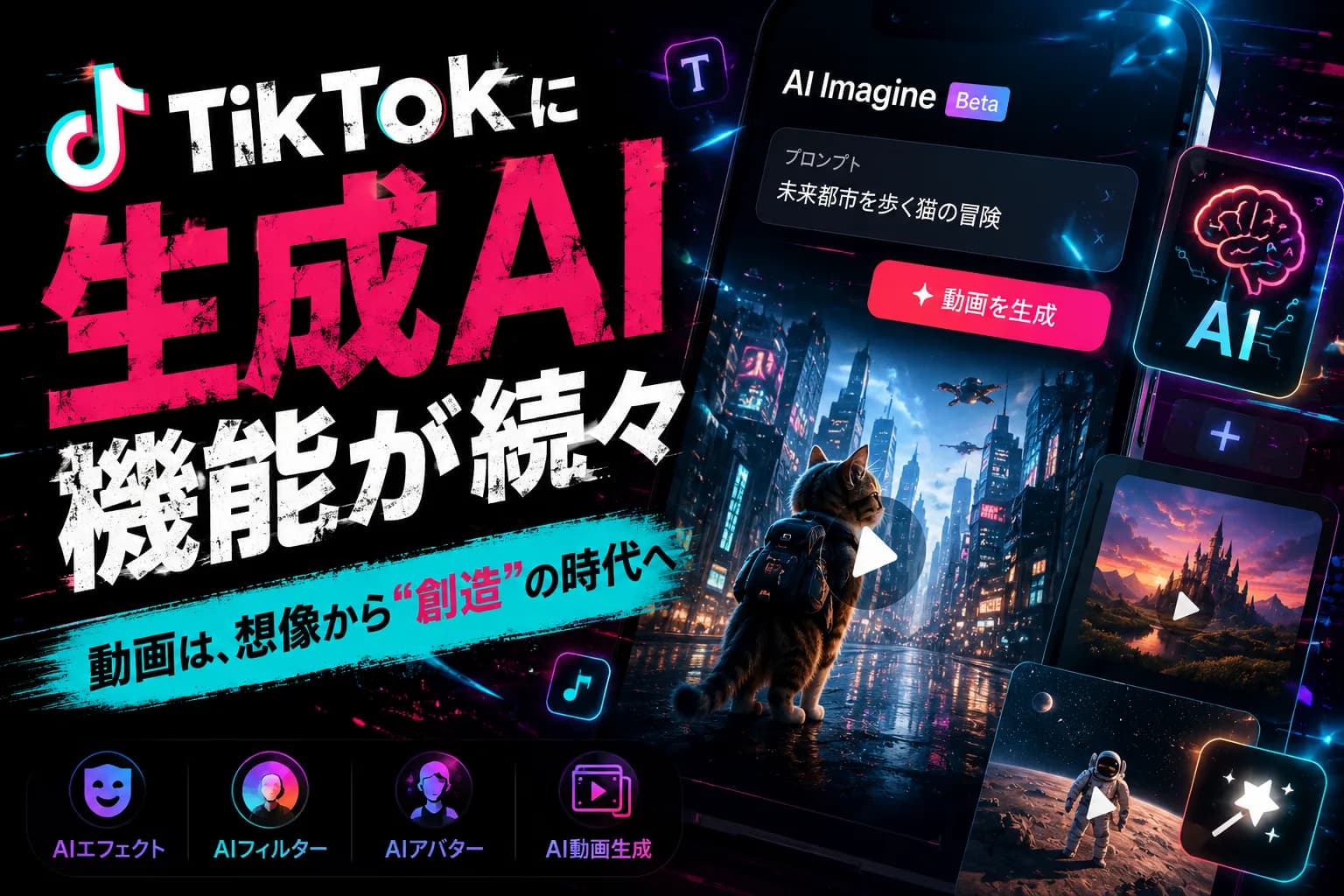
Just type some text and you have a video. TikTok has been adding generative AI features, starting with “AI Imagine,” to its Create tab one after another, and the entry point to making video has dropped considerably. Convenient as that is, it also brings new worries: how do you show that something was made with AI, and how do you keep it authentic? This article lays out the realities of using these features from a creator's point of view.
TikTok's generative AI features: what can they do now?#
First, a bird's-eye view of the features. TikTok has put a set of features for generating material with AI onto its creation screen.
- AI Imagine: A generative AI feature added to the Create tab. The direction is that you can create video material from text or images
- Image-to-video and text-to-video: Features that animate still images or make short videos from a description are being integrated into the post creation screen
- AI-assisted visual treatment: AI takes over part of the editing work, such as transitions (scene changes)
In short, the big change is that even “people who had given up on video because the hurdle of shooting and editing was too high” now find it easier to make.
What to think about behind the convenience#
This is the main point. Just because you can make it with AI, it is not as simple as “leave everything to AI and you'll grow.”
- AI cannot create the concept or the experience: What to say, and what real experience it is based on — the part that forms the core of your posting is human territory. Even if generating material gets easier, this remains
- Mass production gets buried easily: Anyone being able to make it means more similar videos. Putting the time AI frees up into the “substance” is what works in the end
- Authenticity becomes the value: The more AI-looking content overflows, the more the realness of actual experience stands out by comparison
In fact, AI will take over the “work” for you, but it will not take over “what to say.” It is important not to confuse the two.
The basic rule for AI generation: don't hide it#
One important point, just to be safe. On many platforms, the trend is that AI-generated content is required to carry a label. So that you don't deceive the people viewing it, the basic rule is to make sure what was made with AI is recognizable as AI (we covered the background in AI labeling requirements and posting on social media).
How to decide whether to use it or not#
Finally, here are some criteria for deciding.
- Use it to save time on the work: A realistic division of labor is to use AI for creating material and prep work, and do the concept and the finishing yourself
- If it doesn't suit you, don't use it: If AI video doesn't fit your posting style, there is no need to force it in
- Disclosure comes as part of the package: If you use it, indicate that it is AI-generated. This is a precondition for protecting trust
Summary#
The key points about TikTok's generative AI features are these three: (1) you can now make video from text or images, (2) the concept and real experience are human territory, and (3) disclosure is the basic rule for AI generation.
AI lightens the work, but it does not decide what to say for you. Adopt it at your own pace, keeping the kind of distance where you put the time it frees up into the substance. Whether it suits you depends on the person.
Even if you hand the work to AI, you still need to decide “what to say” yourself. Toukoukun is a tool that, once you teach the AI what your product stands for, writes posts tailored to each social media platform while keeping that core. As one way to lighten the work of creating the substance, take a look at the dashboard.